


5 of 5
SMS Pay
What the customer needs
A phone that can open a link
Cash handling for your team
None
Works when the customer is elsewhere
Yes
Customer can pay by card
Yes
Matching payments to orders
Automatic, each request has its own reference
Enter an amount and a mobile number. Your customer receives an SMS with a secure payment link and pays by card on their own phone, wherever they are.
No app to install
The request is an ordinary text message that opens a checkout page in the phone browser.
No hardware
Take card payments at the doorstep, on site or over the phone with nothing extra to carry.
Secure by design
Cards are entered on the OnePay hosted page and verified with 3D Secure.
SMS Pay turns a mobile number into a checkout. It suits any sale where the customer is not standing at your counter.
Everyone reads their texts. The request lands in the default messages app, so customers who never installed a wallet or banking app can still pay you by card.
Take payment at the doorstep, on a job site or over a phone call. All your team needs is a login and the customer’s mobile number.
Your customer types their card on the OnePay hosted page and confirms with their bank through 3D Secure. Your staff never see or handle card numbers.
Every request carries its own reference and status. You get a payment notification, so the rider can hand over the parcel without calling the office.
A short, clear text. Nothing to download and nothing to learn.
The text arrives from OnePay, in the same messages app they already use every day.
The message names the customer, what the payment is for and exactly how much is due.
A link unique to that request opens the OnePay checkout. It cannot be reused for another order.
No integration and no hardware. If you can send a text, you can take a card payment.
Step 1
In the merchant portal, type the amount, the customer’s mobile number and an order reference.
Step 2
OnePay sends an SMS with your business name, the amount and a secure link unique to that request.
Step 3
The link opens the hosted checkout. The customer enters their card and approves it with their bank.
Step 4
The request flips to paid, you get a notification, and the funds join your next OnePay payout.
It plays by itself. Hover or tap to take over: pick an amount, press send, then tap the link on the phone. This is a demo, so no real message is sent.
New SMS request
Mobile number
Order #1042
LKR 4,500.00
Collected in this demo
LKR 0.00
OnePay
No new messages
Send a single request from the counter, bill your whole customer list, or let your own software do it.
01Single request
Open the merchant portal, enter the amount and the mobile number, and press send. Your cashier, rider or accounts clerk can do it with no training.
Deposits, fees, bills and orders. If you can describe it in a sentence, you can collect it by SMS.
No more calling the customer to ask whether the transfer went through. Each request shows where it stands.
Sent
The request leaves OnePay with its own reference.
Delivered
The text has reached the customer’s phone.
Opened
The customer has tapped the link and is on the checkout.
Paid
Payment is confirmed and your team is notified.

Requests
Order #1042
SentLKR 4,500.00
Order #1041
LKR 12,800.00
Order #1040
LKR 3,250.00
Order #1039
LKR 7,900.00
Any sale that happens away from a checkout counter.
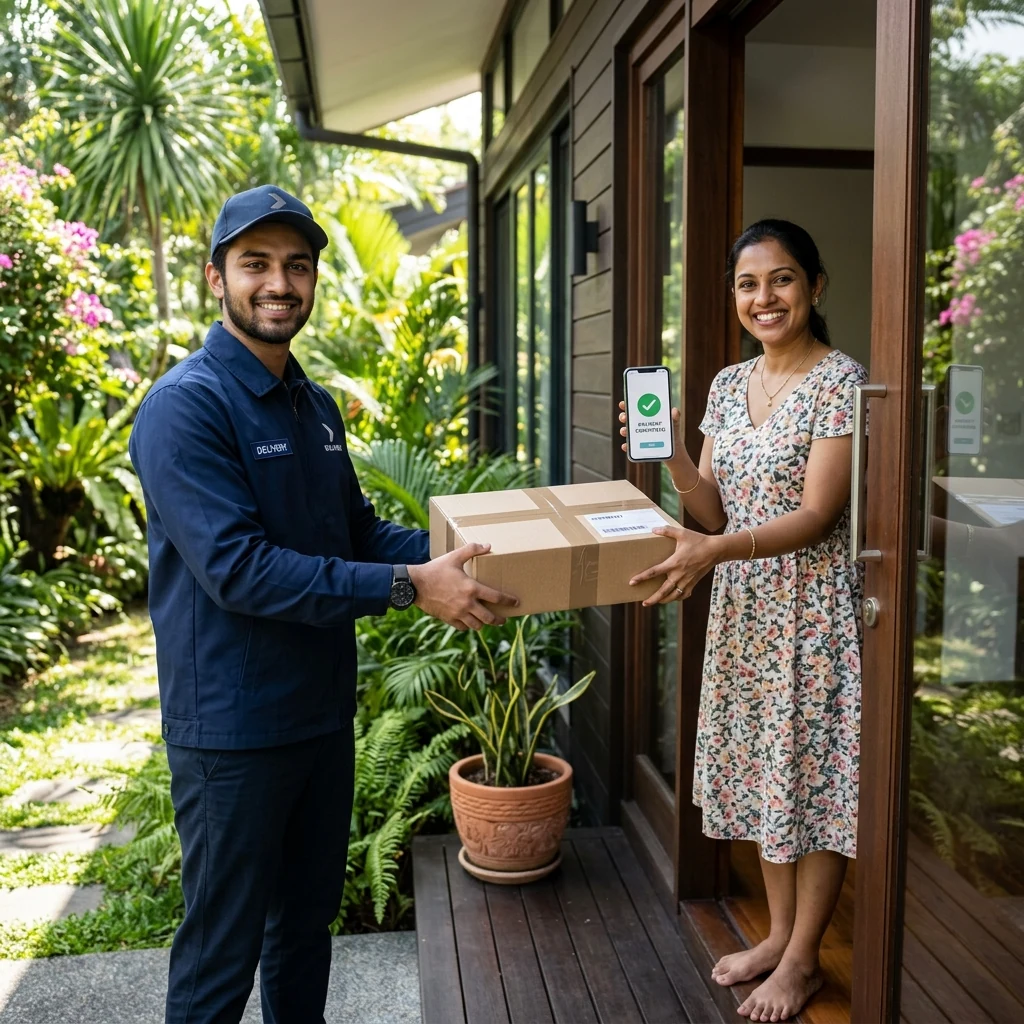
The rider sends a payment text on arrival and hands over the parcel once it shows as paid. No cash float to carry and no change to count.
Parcel released on payment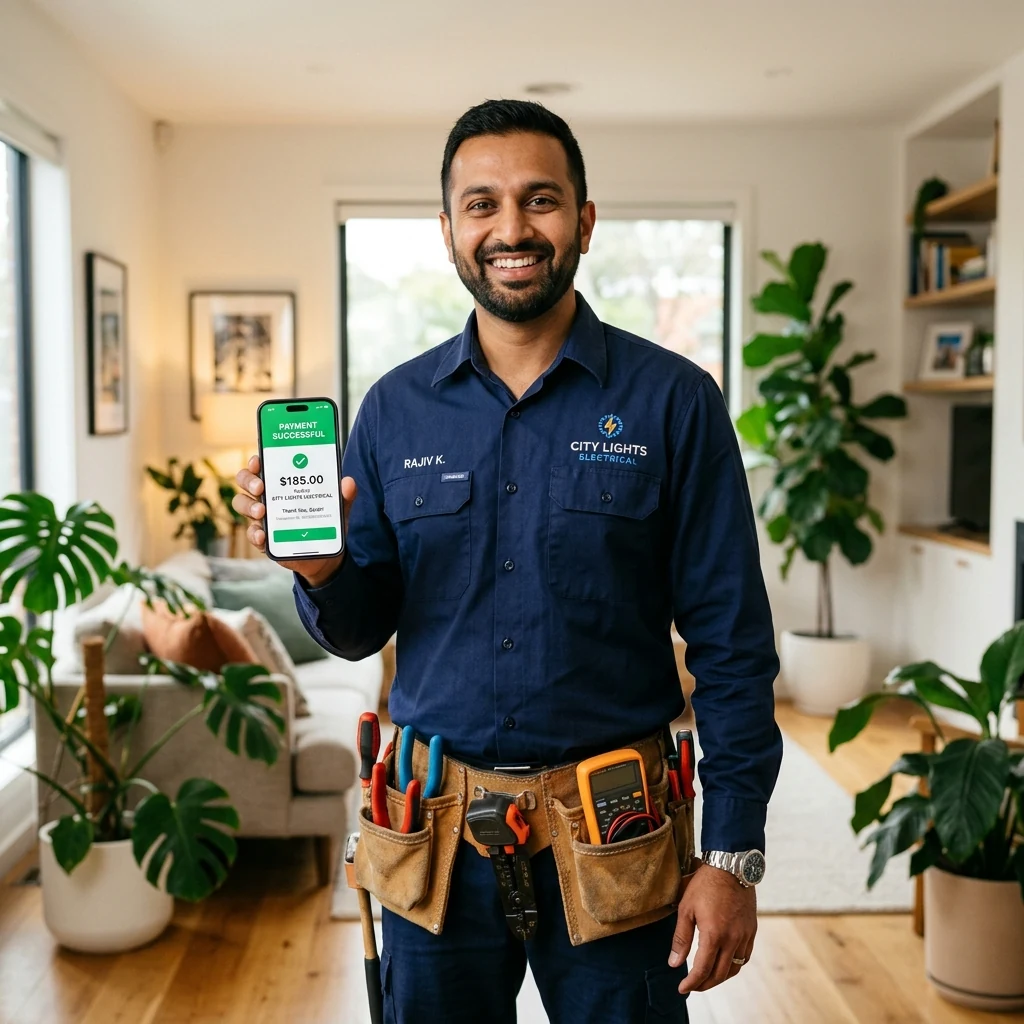
Technicians and contractors send the bill by SMS when the job is finished, so the invoice is settled on the spot instead of chased for weeks.
Invoice settled on site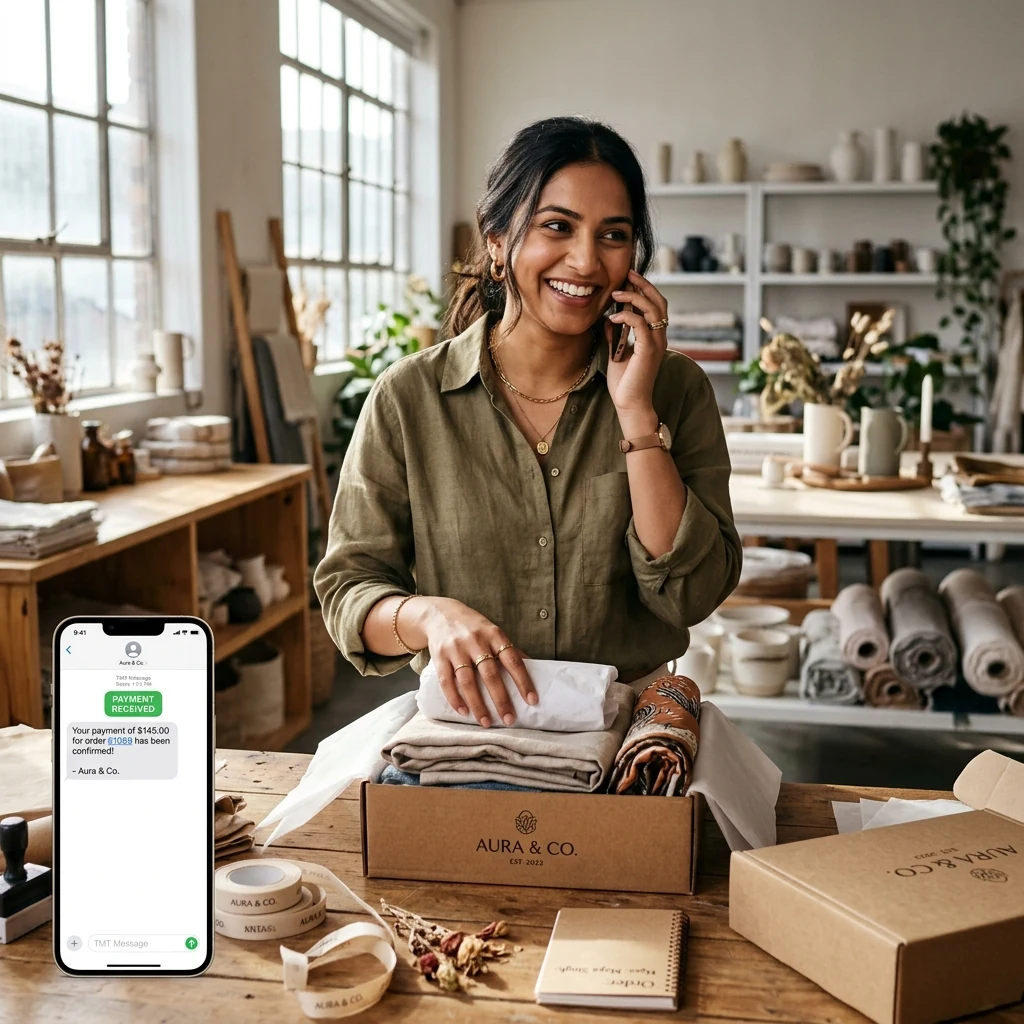
Confirm a phone or social media order, text the customer a payment link while you are still talking, and dispatch as soon as it is paid.
Order confirmed and paid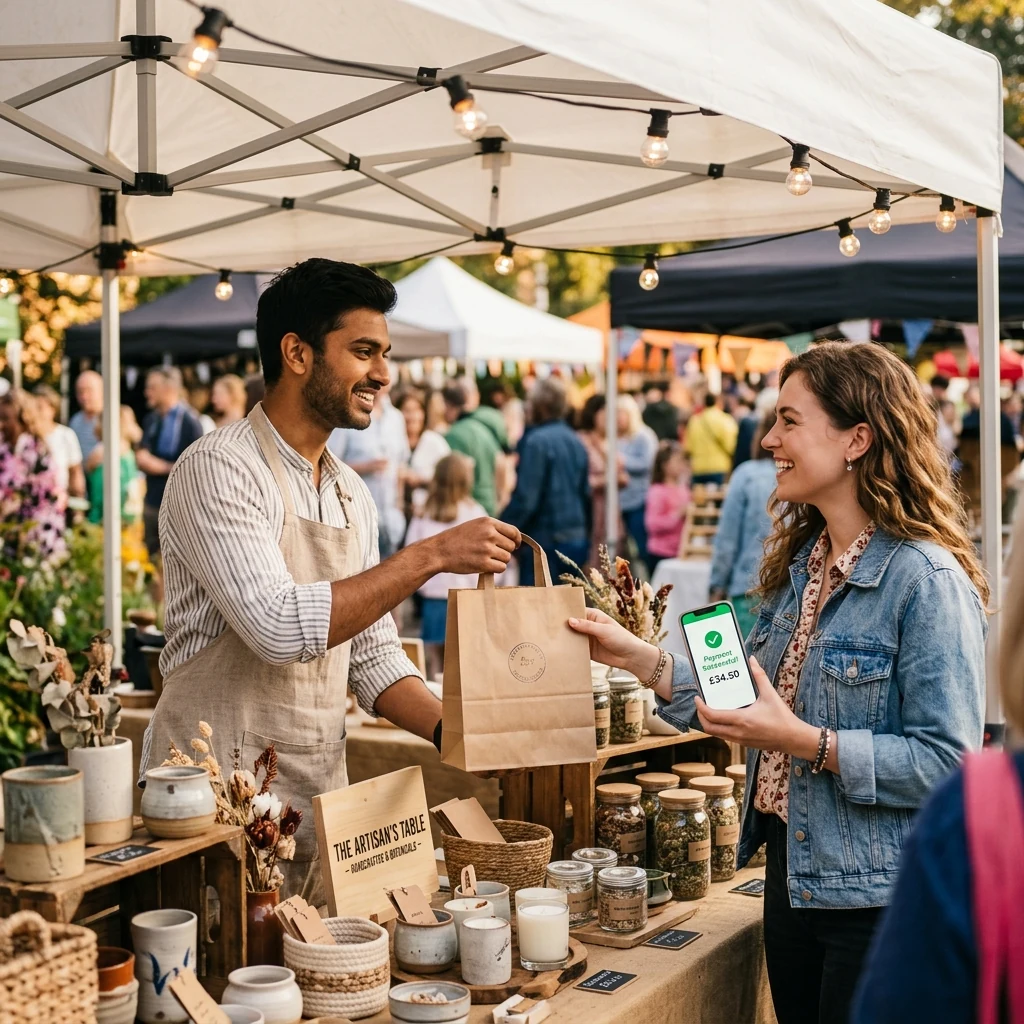
At markets, fairs and weekend pop-ups, text the customer a payment link from your phone and hand over the purchase once it shows as paid.
Paid at the stall
Hotels, villas and tour operators send a deposit request to hold a reservation, without asking guests to read out card numbers.
Deposit receivedPaying from a link is only useful if customers can trust it. Each request is protected at every step.
Every text carries its own link tied to that amount and reference, so it cannot be reused for another order.
The customer types their card on the OnePay hosted page, which is PCI DSS compliant. Your staff never see or store the number.
Online card payments are authenticated with 3D Secure, so the cardholder approves the payment with their own bank.
How a text request compares with collecting cash on delivery or asking for a bank transfer.
What the customer needs
A phone that can open a link
Cash handling for your team
None
Works when the customer is elsewhere
Yes
Customer can pay by card
Yes
Matching payments to orders
Automatic, each request has its own reference
What the customer needs
The right cash ready at the door
Cash handling for your team
Carried, counted and handed in
Works when the customer is elsewhere
No
Customer can pay by card
No
Matching payments to orders
Cash reconciled by hand
What the customer needs
Online banking and your account details
Cash handling for your team
None
Works when the customer is elsewhere
Yes
Customer can pay by card
No
Matching payments to orders
Manual check of the bank statement
Every OnePay solution runs on the same merchant account.
Join Sri Lankan businesses collecting card payments from any phone with OnePay SMS Pay.